
Explanation of the Access Type – when adding a new user the type of users access determines their permissions in the system. This mandatory field is shown when you add or edit a user profile:
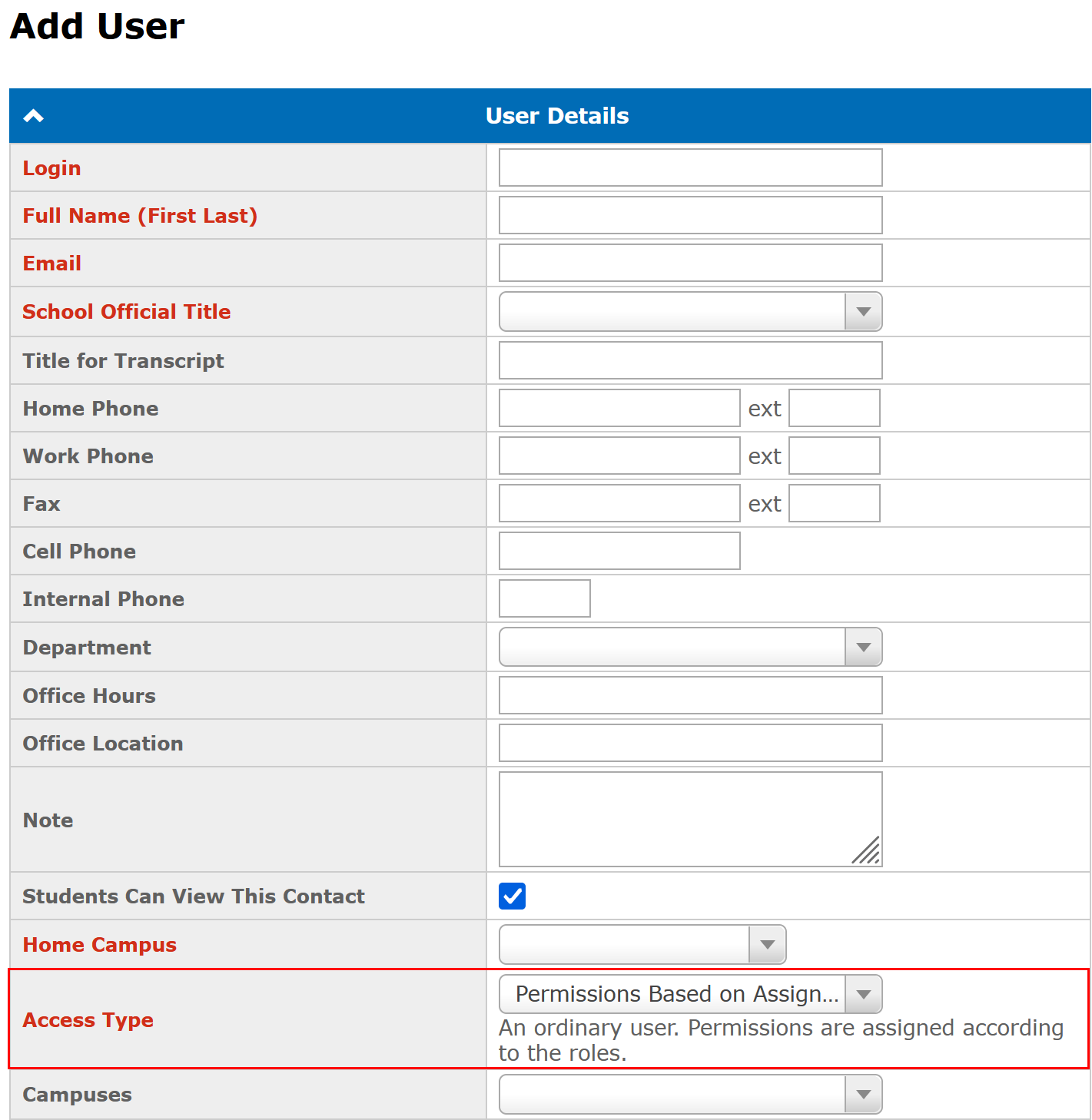
There are different types of access:
- Administrator - system administrator who has all permissions in all campuses and can edit School Settings.
- All Permissions - user who has all permissions in assigned campuses or entire school except editing School Settings.
- Permissions Based on Assigned Roles - user who has permissions according to the assigned roles.
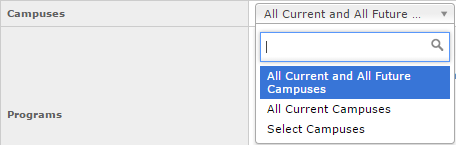
Along with the Access Type users must also select Campuses field (available in multi-campuses mode only).
- All Current and All Future Campuses - a user has access to all existing campuses and all new campuses that will be created in future. This is useful for system administrators.
- All Current Campuses - a user has access to all existing campuses and doesn't have access to campuses that will be created in future.
- Select Campuses - allows selecting specific campuses:
Note: More information about user access in GEGI you can find in the following article: User Access, Roles and Permissions.