
Locations:
- Student "Name": Financial Details page
Users with the following permissions:
- Financial: View
Case:
The financial information in student's profile is located in different tabs.
Problem:
How to optimize the interface and navigation for the pages with student's financial information?
Solution:
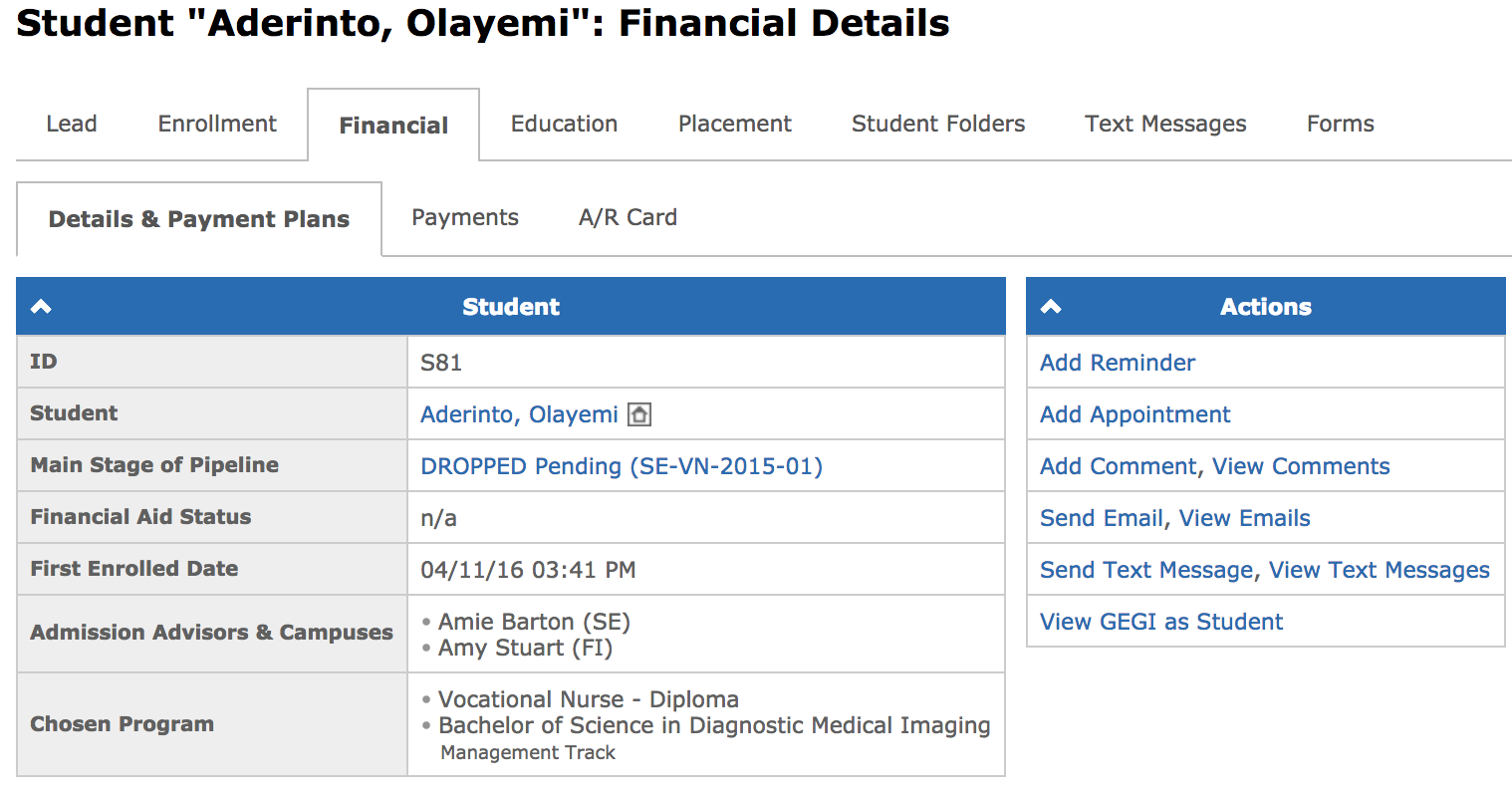
The navigation was improved by combining the Financial, A/R Card, and Payments tabs inside the Financial tab as second level tabs.
Now all the payments and the financial information of a student can be accessed by moving through the Details & Payment Plans, Payments, and A/R Card tabs:
Available since GEGI v4.11.0 (view release notes)