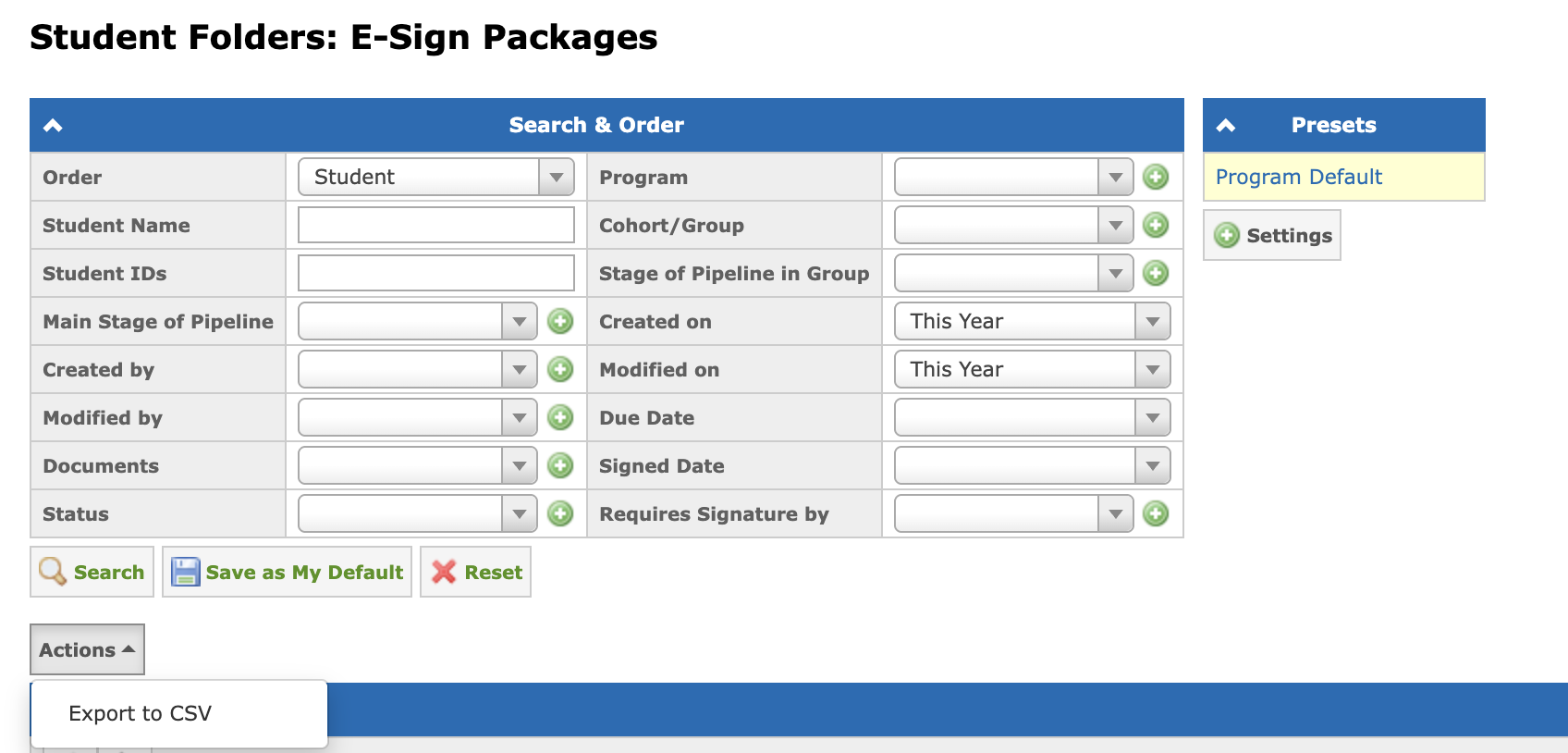
The list of all e-sign packages can be found at the Student Folders: E-Sign Packages page located at the Student Folders menu tab.
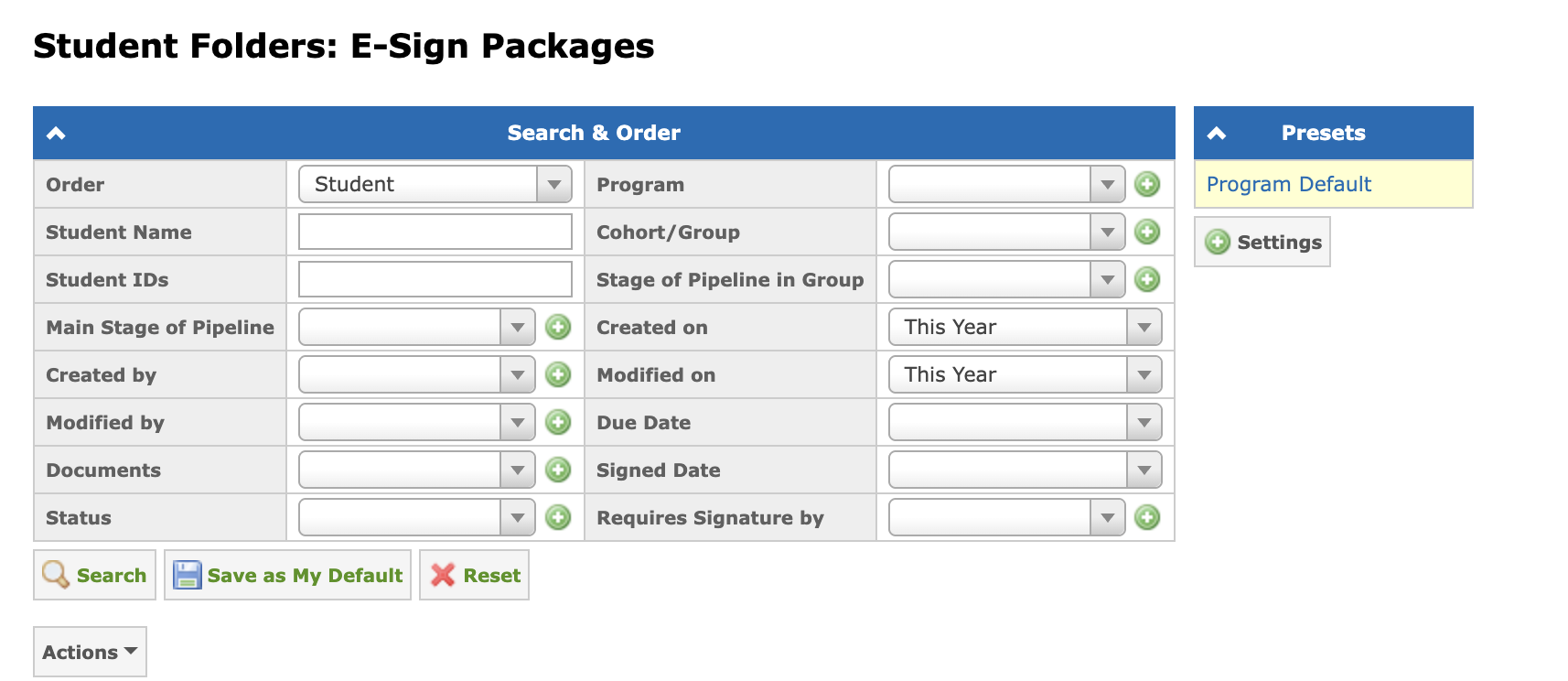
Use the search parameters at the Search & Order panel to find the documents you need. The following filters are available:
- Order — the sorting order of the results.
- Student Name — the student’s name.
- Student IDs — the student’s ID.
- Created by — the user who created the package.
- Modified by — the last package modification user.
- Documents — the document type.
- Status — the current package status.
- Main Stage of Pipeline — the student’s current overall pipeline stage.
- Program (E-Sign Package) — the program the package group belongs to.
- Cohort/Group (E-Sign Package) — the group the package was assigned to.
- Stage of Pipeline in Group (E-Sign Package) — the student’s current stage in the group the package was assigned to.
- Created on — the date the package was created.
- Modified on — the date the package was last modified.
- Due Date — the deadline for signing.
- Signed Date — the date the package was signed.
- Requires Signature by — the signer the package requires a signature from.
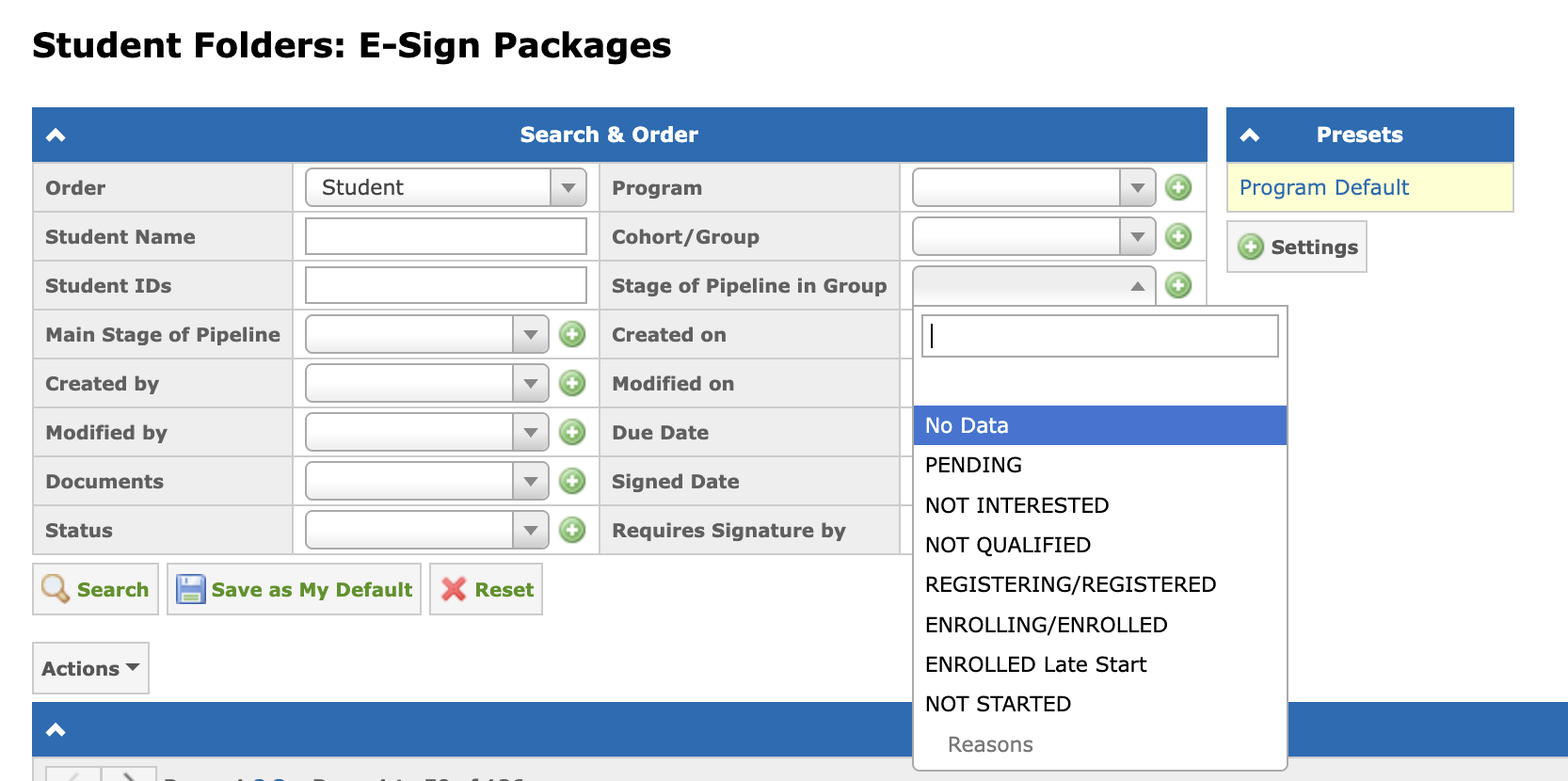
The "No Data" option is available in the group-related filters, allowing to find packages without an assigned group.
The E-Sign Packages table includes the following columns:
- Student ID — the student’s ID.
- Student — the student’s name.
- Main Stage of Pipeline — the student’s current overall pipeline stage.
- Package — the package name.
- Program (E-Sign Package) — the program the package group belongs to. Displays "No Data" when no group is assigned.
- Cohort/Group (E-Sign Package) — the group the package was assigned to. Displays "No Data" when no group is assigned.
- Stage of Pipeline in Group (E-Sign Package) — the student’s current stage in the package’s assigned group. Displays "No Data" when no group is assigned.
- Status — the current package state. More details on statuses can be found in this article: What do the E-Sign Packages Statuses mean?
- Due Date — the date the package must be signed before.
- Signed Date — the date the package was signed by all the signers.
- Created by — the user who created the package.
- Created on — the date the package was created.
- Modified by — the last package modification user.
- Modified on — the date the package was last modified.

To download the list of e-sign packages as a CSV file, click Actions → Export to CSV.