
Here is the explanation of how to cancel the change of stage of pipeline in group:
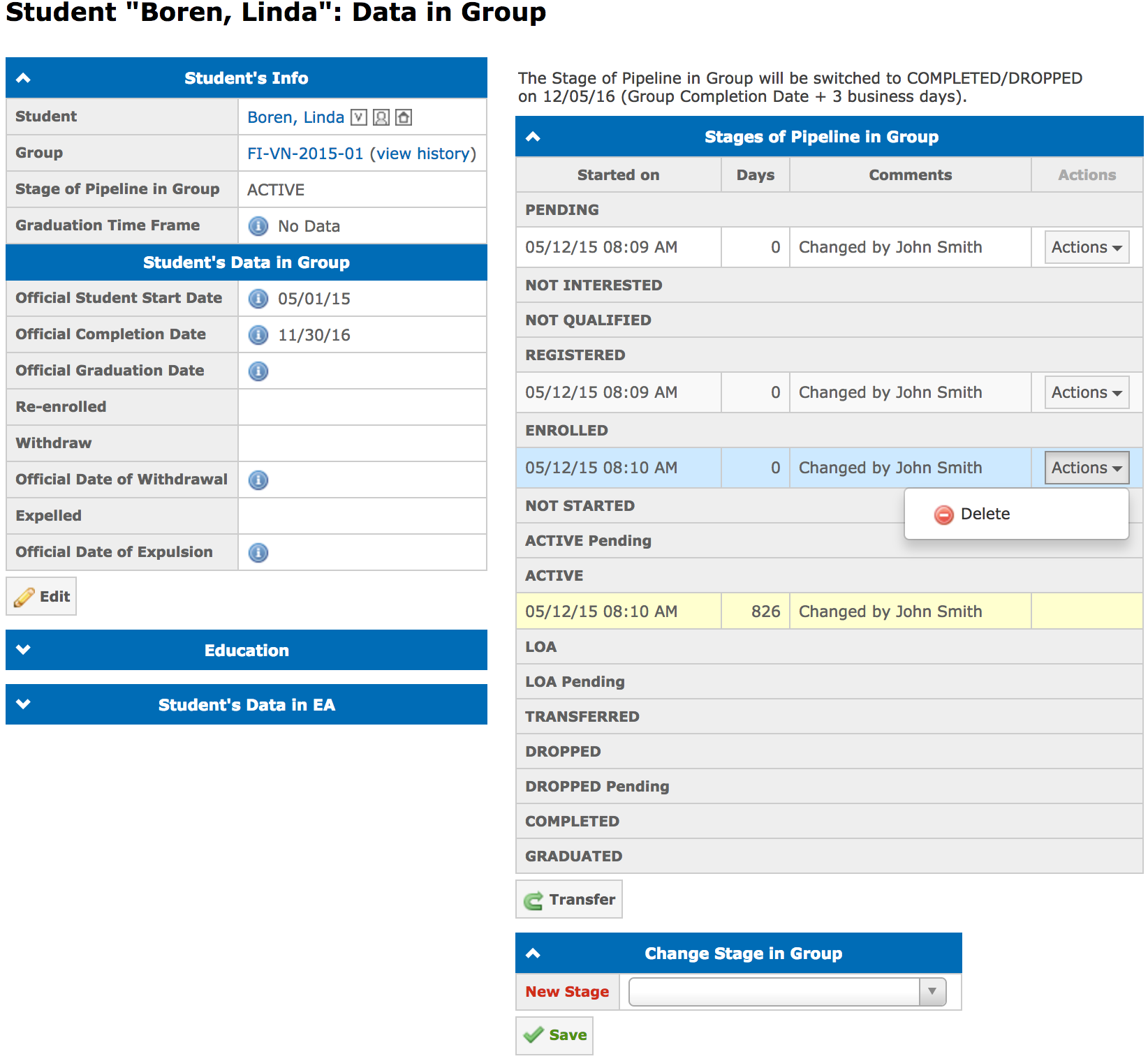
- Click on the Delete action near the stage (in this example we are deleting ENROLLED stage).
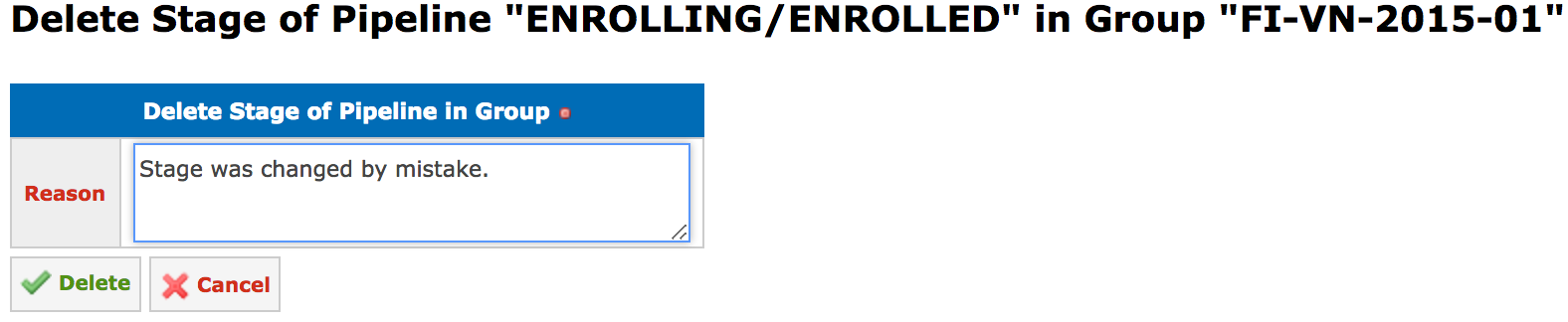
- Input the reason of deletion in the Delete Stage of Pipeline "Stage Title" in Group "Name" dialog:
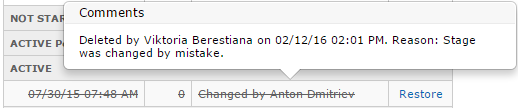
When pointing a mouse arrow on the stage, history of all delete/restore actions will be displayed in the pop-up message:
It is possible to delete all stages except the current one.
When a user deletes the stage, all information that was inputted during this stage in the student's profile will remain.
Note: All these actions are applied also to the main stages of pipeline. More information about student stages of pipeline you can find in the following article: What are the stages of pipeline? How many types of stages of pipeline are there?.